

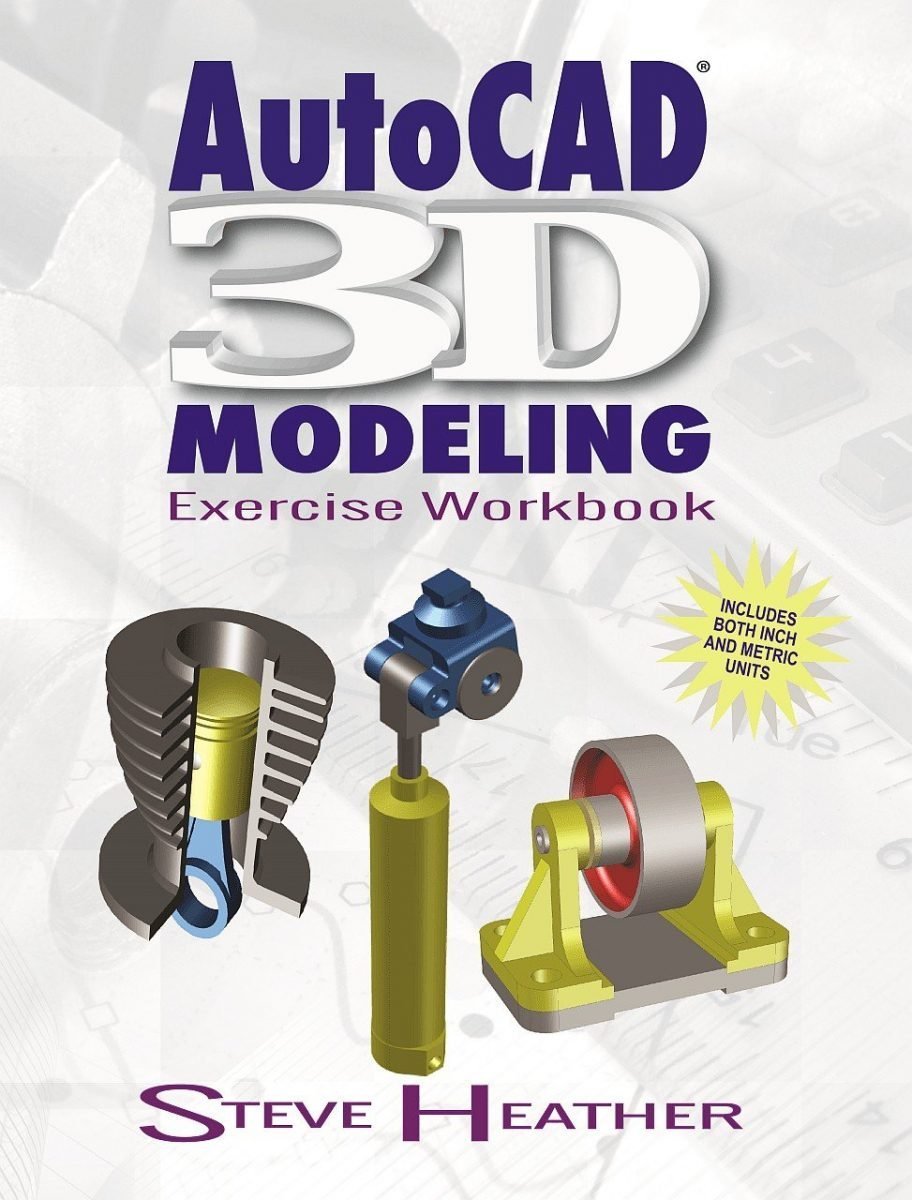
AutoCAD 3D Modeling: Exercise Workbook Volume 1 First Edition by Steve Heather, ISBN-13: 978-0831136130
Original price was: $50.00.$14.99Current price is: $14.99.
Safe & secure checkout
Description
Description
AutoCAD 3D Modeling: Exercise Workbook Volume 1 First Edition by Steve Heather, ISBN-13: 978-0831136130
[PDF eBook eTextbook]
- Publisher: Industrial Press, Inc.; First edition (February 28, 2017)
- Language: English
- 296 pages
- ISBN-10: 0831136138
- ISBN-13: 978-0831136130
World-class AutoCAD expert Steve Heather, co-author with Cheryl Shrock of the Beginning AutoCAD Exercise Workbook, Advanced AutoCAD Exercise Workbook, and the AutoCAD Pocket Reference, has written this ground-breaking text, covering step-by-step 3D applications for all AutoCAD users.
The AutoCAD® 3D Modeling Exercise Workbook is designed for classroom instruction and self-study alike, and is suitable for both inch and metric users. There are 8 lessons and 4 modeling projects, all of which are heavily illustrated, for visual learners.
Each lesson starts with step-by-step instructions on how to create 3D solid models, followed by exercises designed for practicing the commands readers learned within that lesson. The modeling projects are designed so that users can create complex 3D models by combining many of the commands learned within the previous lessons.
Downloadable sample files are provided to accompany some of the lessons and modeling projects, so readers can follow along and customize their creations to suit their own needs.
Written by Steve Heather, bestselling author and official Beta Tester of AutoCAD software, this is an invaluable resource for the thousands of designers, architects, and manufacturers who are using AutoCAD to create their own 3D models and transfer them to a 3D printer for manufacturing and use in the real world. If you want to learn more about cutting-edge 3D design, printing, and more using AutoCAD, the AutoCAD 3D Modeling Exercise Workbook is for you.
Table of Contents:
Front Matter
Title Page
Copyright
Table of Contents
Introduction
About this Workbook
About the Author
Starting a New Drawing File
Changing the Workspace Colors
Changing the Drawing View
Changing the Visual Style
Status Bar Buttons
Using a Wheel Mouse
Application and Workspace Descriptions
Lesson 1
Selecting a Basic 3D Tool
Creating a Solid Box
Creating a Solid Cylinder
Creating a Solid Cone
Creating a Solid Sphere
Creating a Solid Pyramid
Creating a Solid Wedge
Creating a Solid Torus
Exercises
Lesson 2
Opening the Properties Palette
Modify Solids Using the Properties Palette
Modify Solids Using the Grips
Exercises
Lesson 3
Setting the Solid History System Variable
Chamfer the Edge of a 3D Solid Model
Modify an Existing Chamfer
Remove an Existing Chamfer
Fillet the Edge of a 3D Solid Model
Modify an Existing Fillet
Remove an Existing Fillet
Exercises
Lesson 4
User Coordinate System (UCS)
Moving the UCS to a Temporary Location
Rotating the UCS
Using the Dynamic UCS
Exercises
Lesson 5
Orbit Tool
Move Tool
Union Tool
Subtract Tool
Intersect Tool
Exercises
Lesson 6
3D Rotate Tool
3D Mirror Tool
3D Align Tool
Exercises
Lesson 7
Extrude Tool
Revolve Tool
Loft Tool
Sweep Tool
Exercises
Lesson 8
Shell Tool
Helix Tool
Exercises
Projects
Project 1
Stackable Junk Tray
Project 2
Ornate Balcony
Project 3
Working Platform
Project 4
Belt Roller Assembly
Appendixes
A 3D Printing
B Add a Printer / Plotter
Index
Final Notes about AutoCAD®
Steve Heather is a former Lecturer of Mechanical Engineering and Computer Aided Design in England, UK. For the past 8 years, he has been a Beta Tester for Autodesk®, testing the latest AutoCAD® software and is a member of the AutoCAD® Customer Council. He is the co-author of the bestselling series of Beginning and Advanced AutoCAD® Exercise Workbooks. Previous to teaching, and for more than 30 years, Heather worked as a Precision Engineer in the aerospace and defense industries.
What makes us different?
• Instant Download
• Always Competitive Pricing
• 100% Privacy
• FREE Sample Available
• 24-7 LIVE Customer Support


Reviews
There are no reviews yet.